
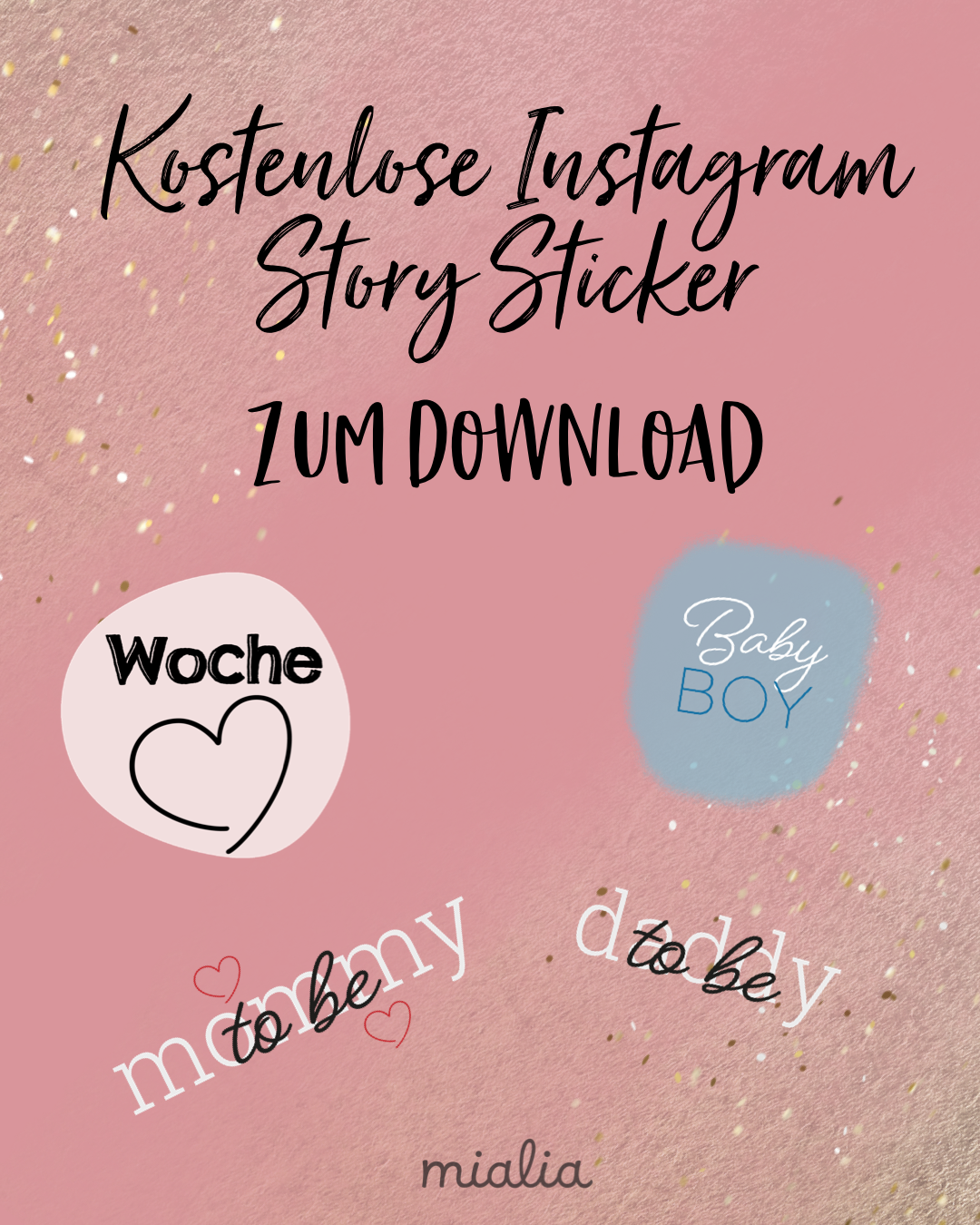
Free Instagram Story Stickers for Pregnancy
My dears,
Finally, the time has come and we have created our first Instagram Story stickers for pregnancy, available for free download.
This set contains 9 different stickers.
More stickers on the theme of "Baby's first year" will follow in the coming weeks.
To use the stickers, you need to unzip them using an app on your phone. You can also unzip them on your computer or Mac and send them to your mobile phone (via Bluetooth or AirDrop).
For Android users:
Step 1:
First, you need the RAR app from win.rar

Step 2:
Open the app and use the app to unzip the downloaded ZIP file containing the Instagram stickers.
These should now be saved.
Step 3:
To add the stickers to Instagram, you will need another app.
Download the SwiftKey keyboard from the store.
Download the SwiftKey keyboard from the store.
Step 4:
With this app, you can now access your media library via the keyboard icon in Instagram to add images.
Finally, you need to position the sticker and adjust its size as you like.
For iPhone users:
Step 1:
Before you download the ZIP file above for free, download the also free Unzip app. You'll need it on your iPhone to unzip the Mialia Story Stickers for your Instagram Story!

Step 2:
Now you can download the ZIP file containing the stickers and save it in the Unzip app. Go to "Edit" and select all the files using the checkmark in the top left corner. In the bottom bar, you'll find the button to extract the files in the middle. Click the button to save the stickers to your photos.
Now you can record your Instagram Story as usual. To add the Mialia Instagram stickers, simply switch to your photos and copy the desired sticker. Tip: It's best to create a separate album to quickly find the stickers again. Then switch back to Instagram. You'll see the sticker in the bottom left corner – tap it once and the sticker is inserted. If the sticker doesn't appear, you can alternatively just tap on the story recording and paste the sticker.
Finally, you need to position the sticker and adjust its size as you like.
We really hope you like the Instagram Story stickers. Feel free to tag us in the stories where you use them – we're excited to see your amazing stories!
Now you can record your Instagram Story as usual. To add the Mialia Instagram stickers, simply switch to your photos and copy the desired sticker. Tip: It's best to create a separate album to quickly find the stickers again. Then switch back to Instagram. You'll see the sticker in the bottom left corner – tap it once and the sticker is inserted. If the sticker doesn't appear, you can alternatively just tap on the story recording and paste the sticker.
Finally, you need to position the sticker and adjust its size as you like.
We really hope you like the Instagram Story stickers. Feel free to tag us in the stories where you use them – we're excited to see your amazing stories!
If you have any further ideas for stickers, we would be happy to receive an email with the idea at hallo@mialia.com
Dearest greetings,
Your Mialia Team
